
Change Order + Estimate Kit for Contractors
Made by a working carpentry and remodeling contractor.
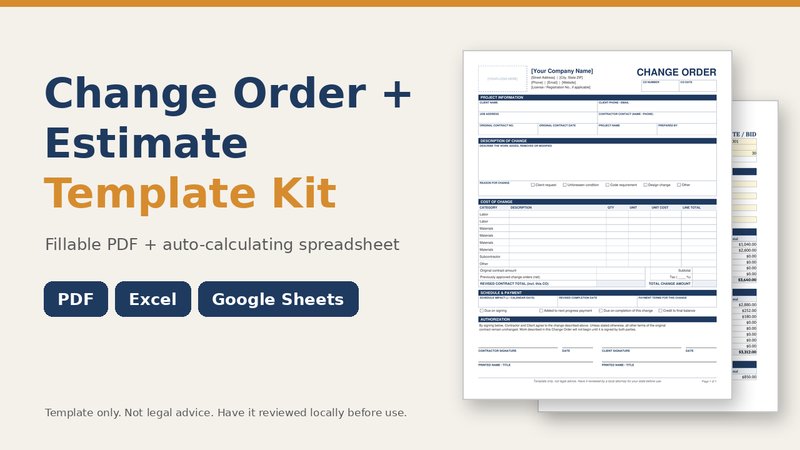
Most money lost on a remodel is lost in the middle of the job, when the scope changes and nobody writes it down. This kit gives you two matching tools: an estimate spreadsheet to price the original job, and a change order that prices the extra work, shows the revised contract total and gets signed before you start.
Use the fillable PDF on site when you just need a signature, or use the spreadsheet change order tab when you want the math done for you. Both follow the same layout, so the client sees the same numbers either way.
What is inside
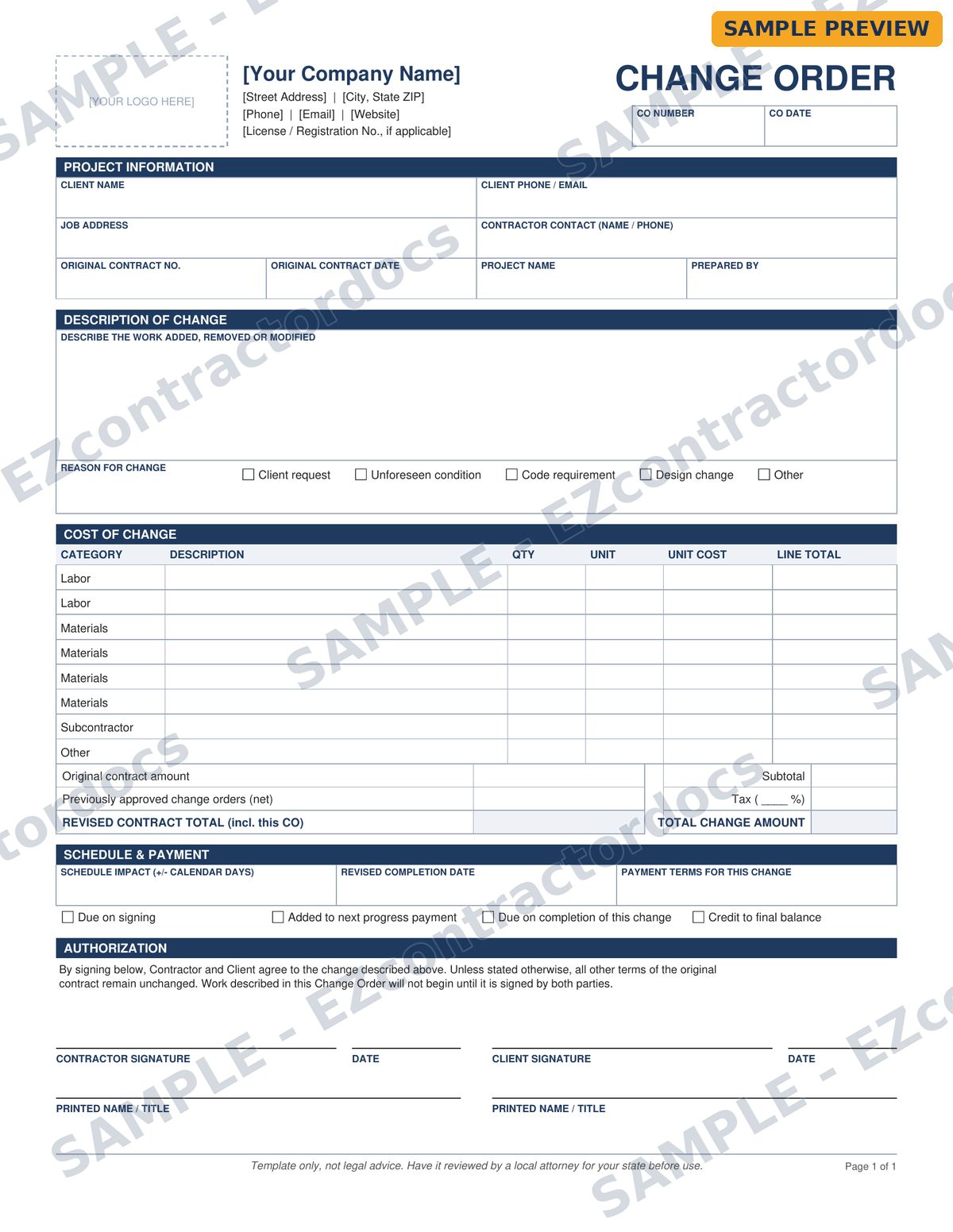
- Change-Order-Form-Fillable.pdf: a one-page change order you can type into with the free Adobe Acrobat Reader or print and fill by hand
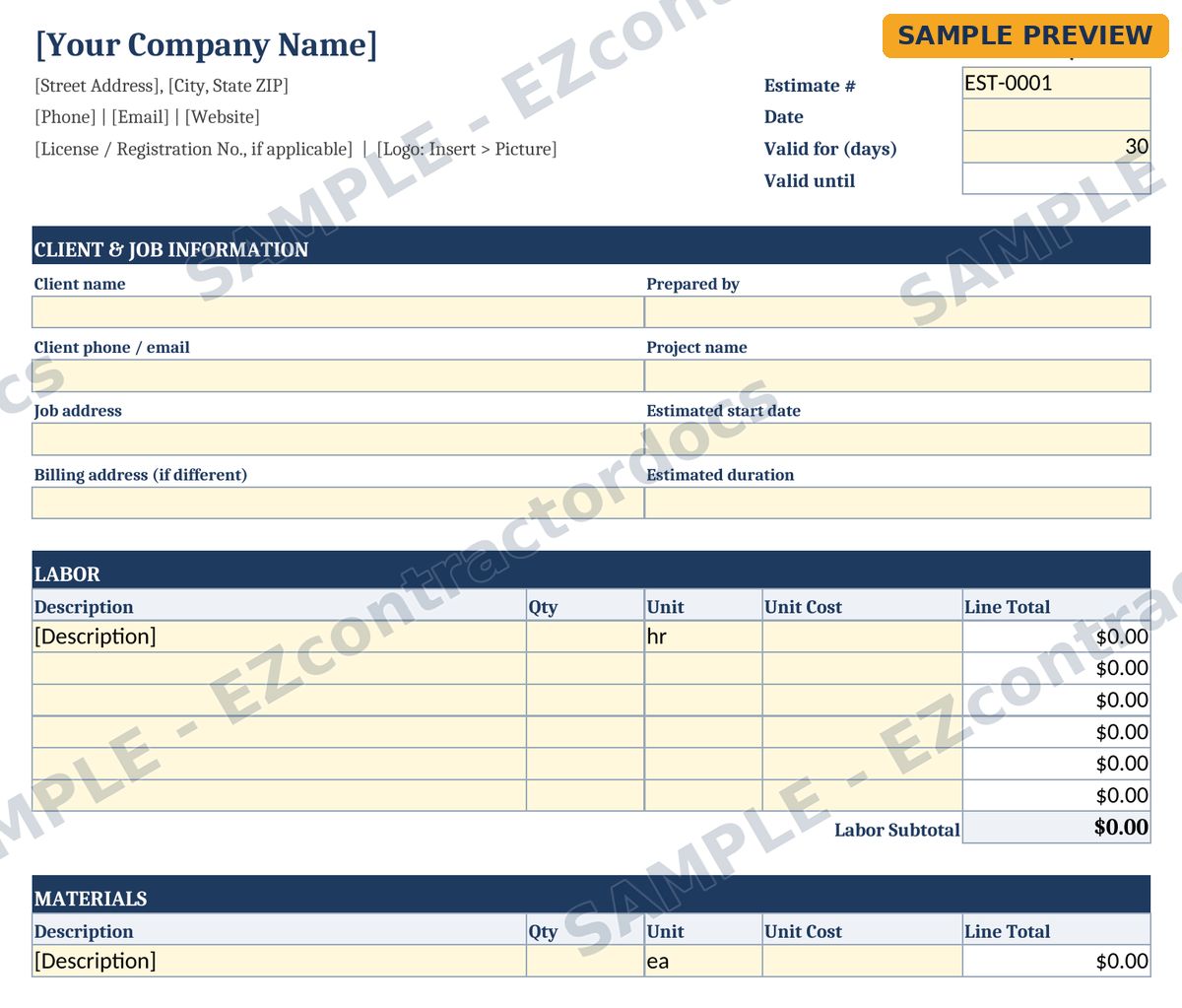
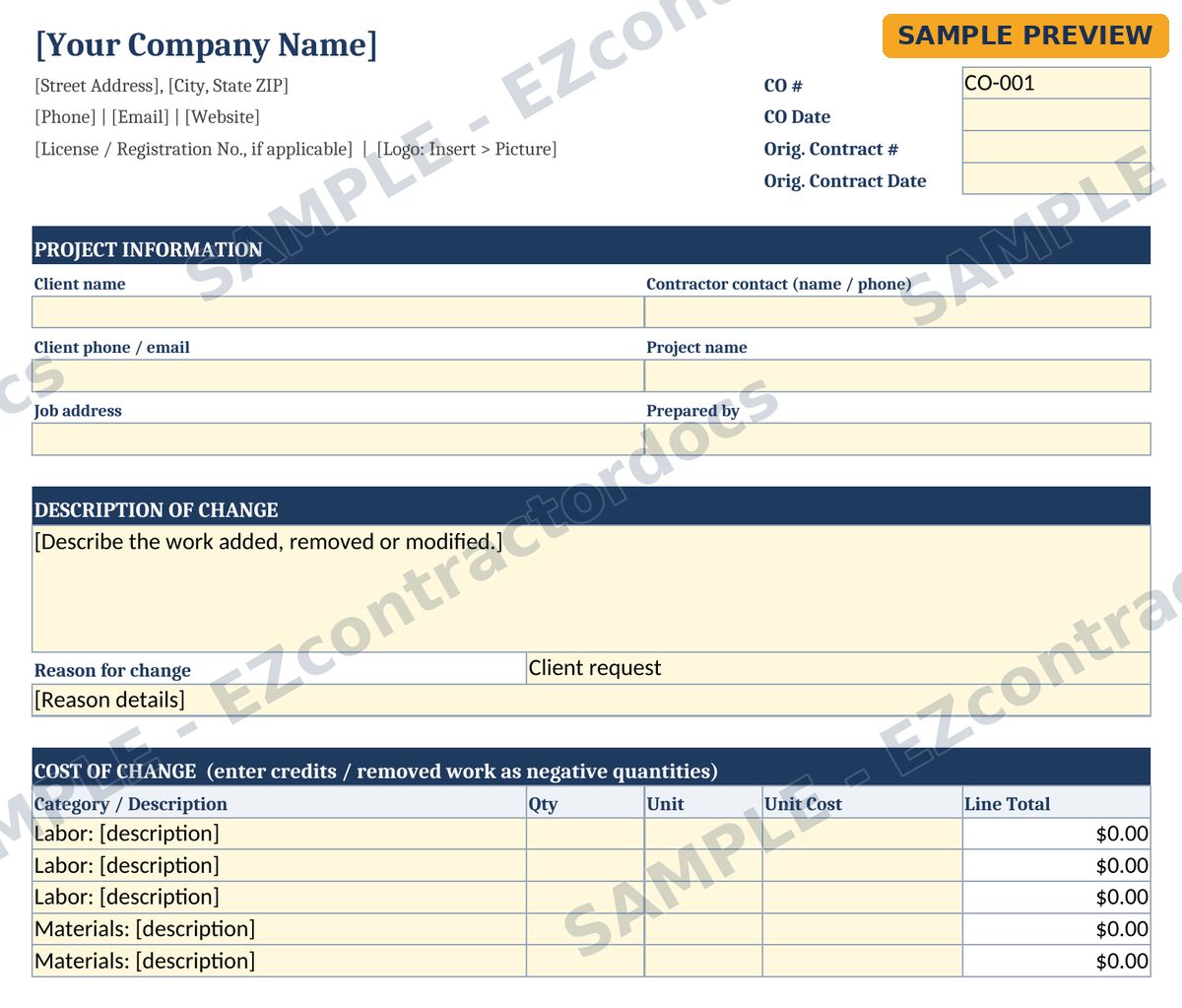
- Estimate-and-Change-Order-Template.xlsx: an Estimate tab with labor, materials, subcontractor, permit and disposal sections plus markup, contingency and tax, and a Change Order tab that carries the original contract amount forward
- Estimate-and-Change-Order-Printable.pdf: a print-ready reference copy
- README-How-to-Use.pdf with step-by-step instructions
What the change order covers
- Project info: client, job address, original contract date, change order number and date
- A description of the change and the reason: client request, unforeseen condition, code or inspector requirement, design change or other
- Cost lines for labor, materials, subcontractor and other, with quantity, unit, unit cost and line total
- Original contract amount, previously approved changes and the revised contract total
- Schedule impact in days, the revised completion date, when the change gets paid, and signatures for both parties
How to use it
- Price the original job on the Estimate tab and send it.
- When the scope changes, open the Change Order tab or the fillable PDF and describe exactly what is added or removed.
- Show the new contract total and the schedule impact, then get both signatures before the changed work starts.
- Keep the signed copy with your job file.
Questions
Is the change order form fillable?
Yes. The PDF has typeable fields. It does not do math; the spreadsheet version does.
What should a change order include?
See our free guide on what to include in a change order for a plain-language walk-through and a free one-page checklist.
Is there a single-form version?
Yes. The Change Order Form on its own is sold separately if you already have an estimate system.
Preview pages
Watermarked sample pages. Your download comes without the watermark. Click to enlarge.
Ready to get it?
Template only, not legal advice. Have it reviewed by a local attorney for your state before use.
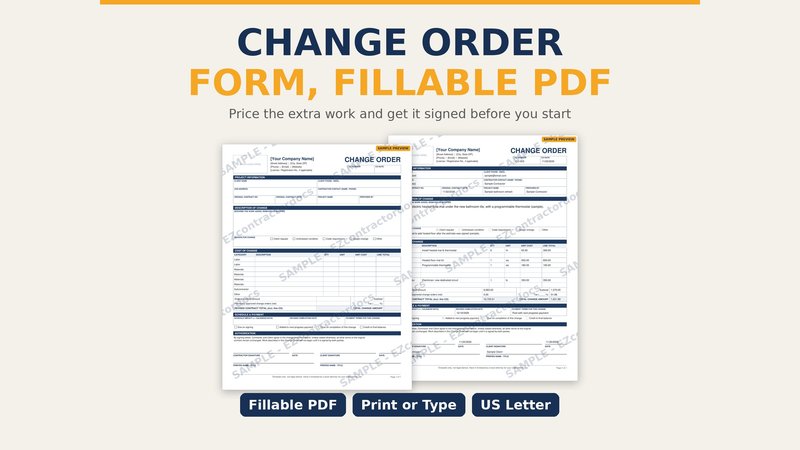 Change Order Form (Fillable PDF)
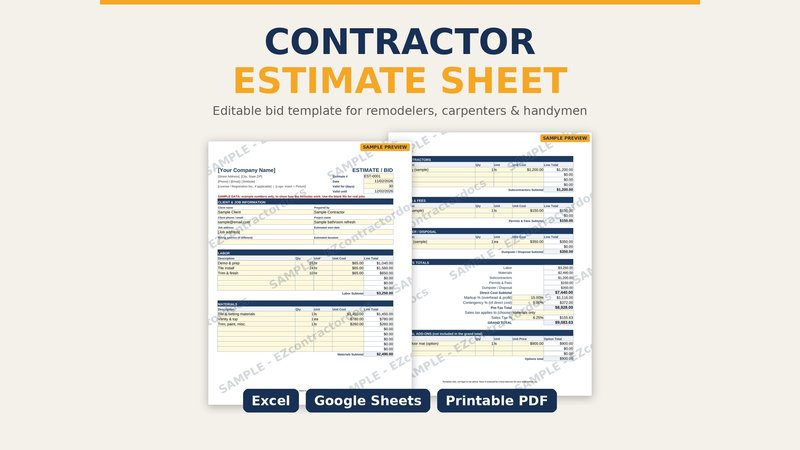 Contractor Estimate Sheet
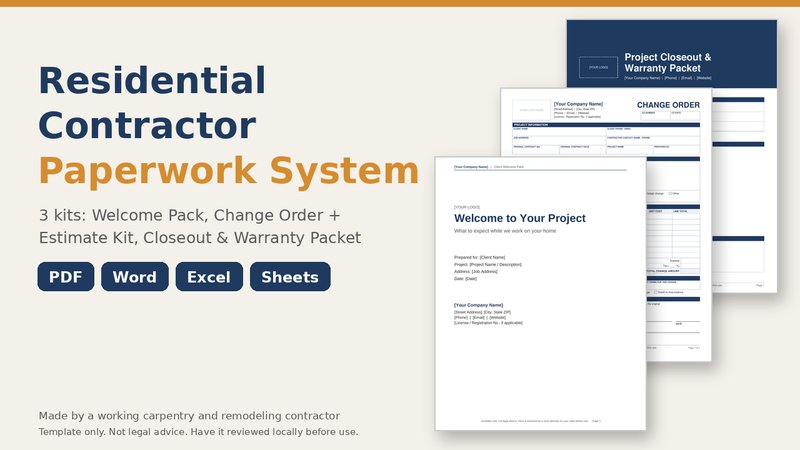 Residential Contractor Paperwork System (Bundle)