
Contractor Year-End and Tax-Prep Bookkeeping Spreadsheet
Coming to our Etsy shop this week. Until it is listed there, you can buy it now through Gumroad.
Visit the Etsy shopBuy now on GumroadGumroad: secure checkout and an instant download link on screen and by email.
Made by a working carpentry and remodeling contractor.
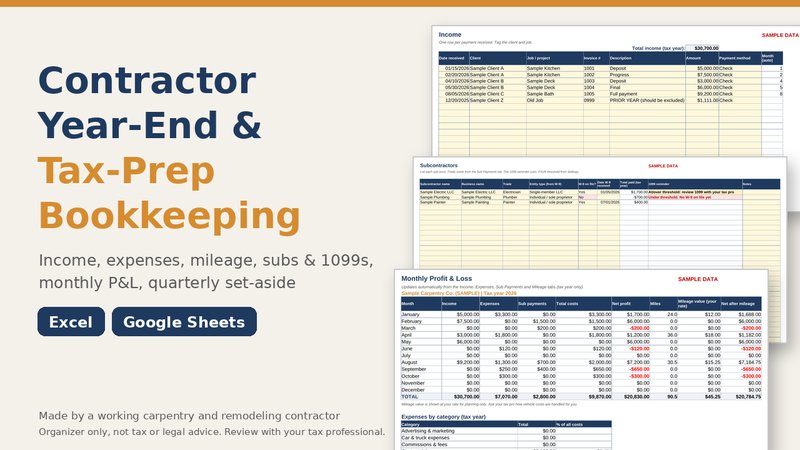
Tax time is easier when the year is already sorted. This workbook lets a small contractor log income, expenses, miles and sub payments as the year goes, or catch up in one sitting, and hand a tax professional a clean summary instead of a shoebox of receipts.
What is inside
- Contractor-Year-End-Bookkeeping.xlsx: the blank workbook, 11 tabs, for Excel or Google Sheets
- An EXAMPLE copy filled with clearly labeled sample data, so you can see how every formula works
- Settings: tax year, mileage rate, 1099 reminder threshold, set-aside % and editable expense categories
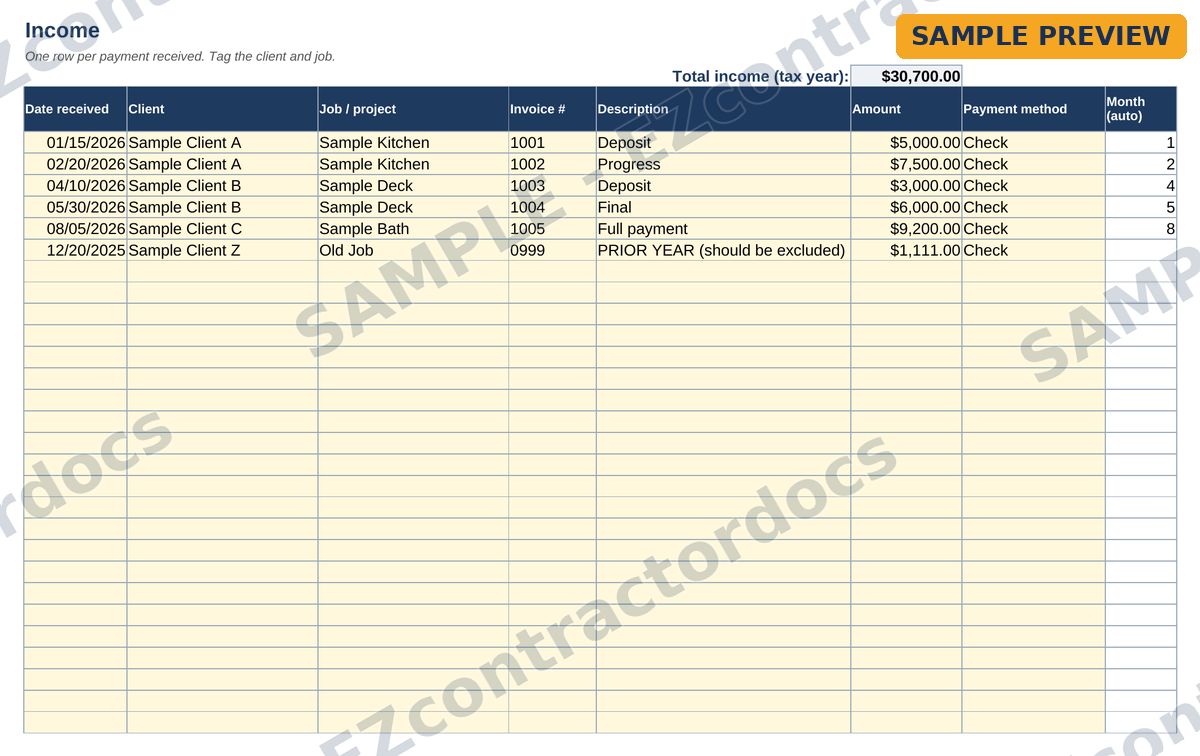
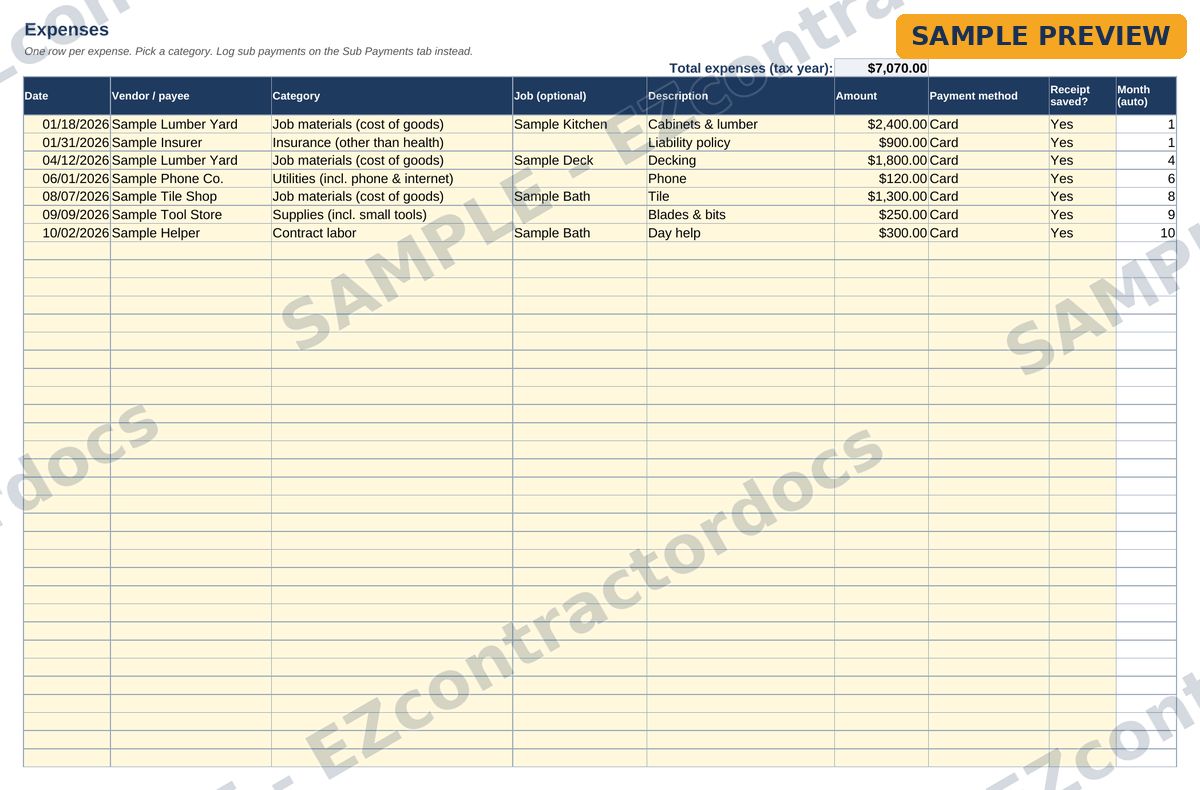
- Income tagged by client and job; expenses by common Schedule C-style categories; a mileage log at your own rate
- A subcontractor list with a W-9 on file column and a 1099 reminder at the threshold you enter
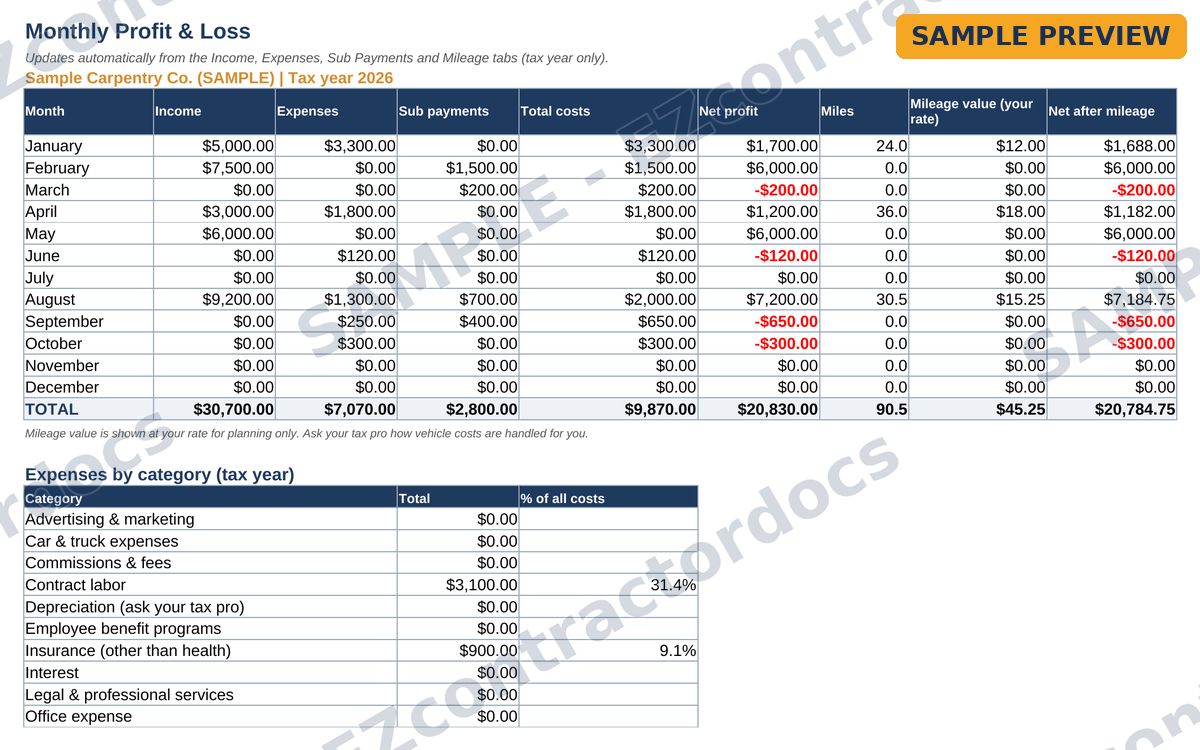
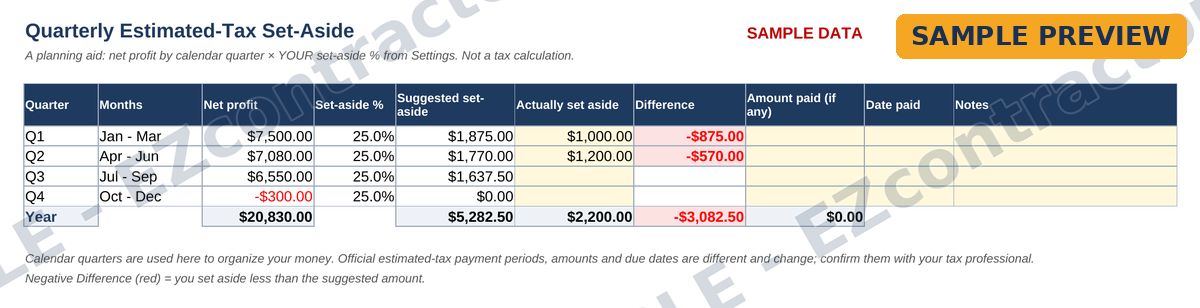
- Monthly P&L, expenses by category, a quarterly set-aside at the percentage you choose, and By Job and By Client summaries
How to use it
- Open the blank file in Excel or upload it to Google Sheets.
- On the Settings tab, enter your tax year, mileage rate, 1099 threshold and set-aside percentage. They are blank on purpose: get current figures from the IRS website or your tax professional.
- Log income, expenses, miles and sub payments.
- Check the summary tabs, which update automatically, and review them with your tax professional.
What it does not do
It does not calculate your taxes and it is not IRS-approved software. No tax rates, mileage rates or thresholds are built in, because they change and depend on your situation. It organizes your numbers so the person who does your return can work faster.
Questions
Does it work in Google Sheets?
Yes. No macros or add-ons.
Can I change the categories?
Yes. Rename or add categories on the Settings tab and the drop-downs and summaries update.
Can I use it every year?
Save a fresh copy of the blank file for each tax year.
Preview pages
Watermarked sample pages. Your download comes without the watermark. Click to enlarge.
Ready to get it?
Coming to our Etsy shop this week. Until it is listed there, you can buy it now through Gumroad.
Visit the Etsy shopBuy now on GumroadGumroad: secure checkout and an instant download link on screen and by email.
Organizer only, not tax, accounting or legal advice. Review your numbers with your tax professional.
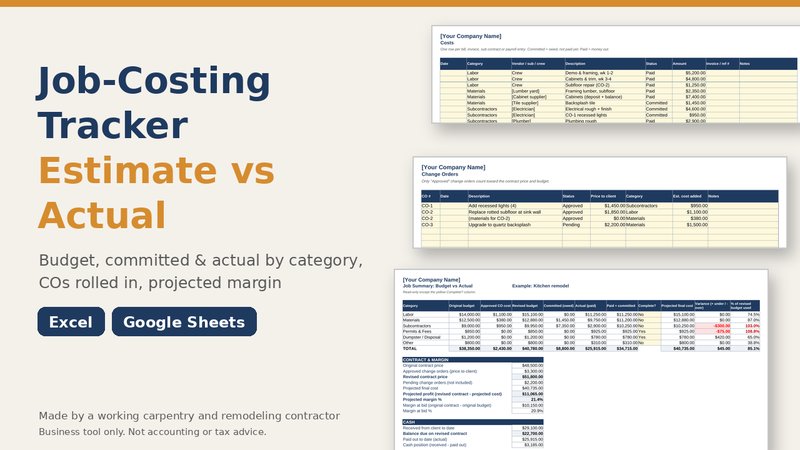 Job-Costing Tracker
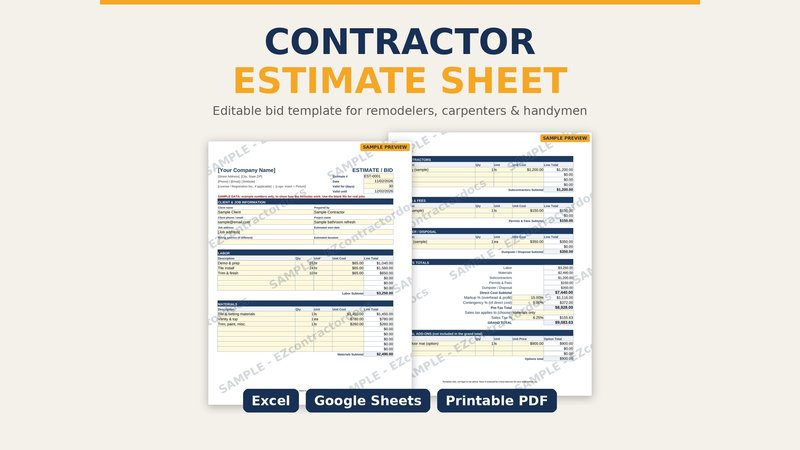 Contractor Estimate Sheet
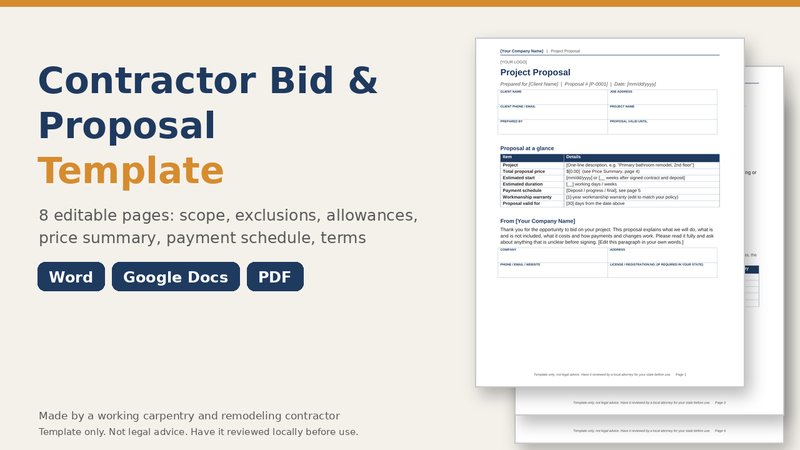 Bid & Proposal Template