
Change Order Form (Fillable PDF)
Made by a working carpentry and remodeling contractor.
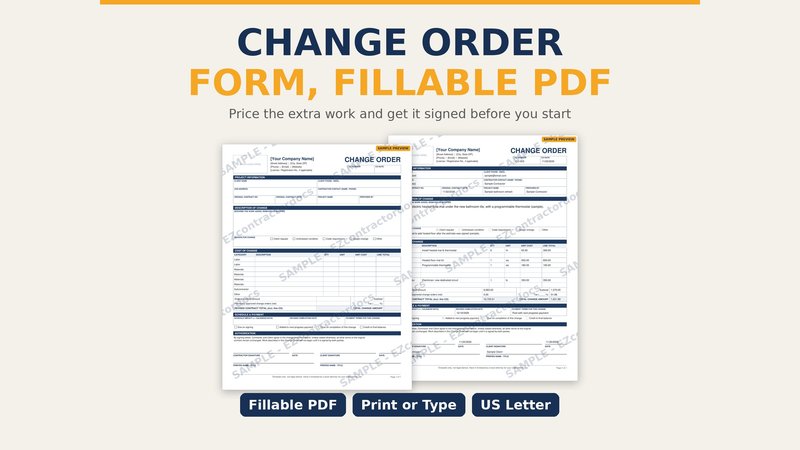
When a client asks for "just one more thing," or you open a wall and find a problem, write it up before you do the work. This one-page change order form keeps it simple: what changed, why, what it costs, what it does to the schedule, and two signatures.
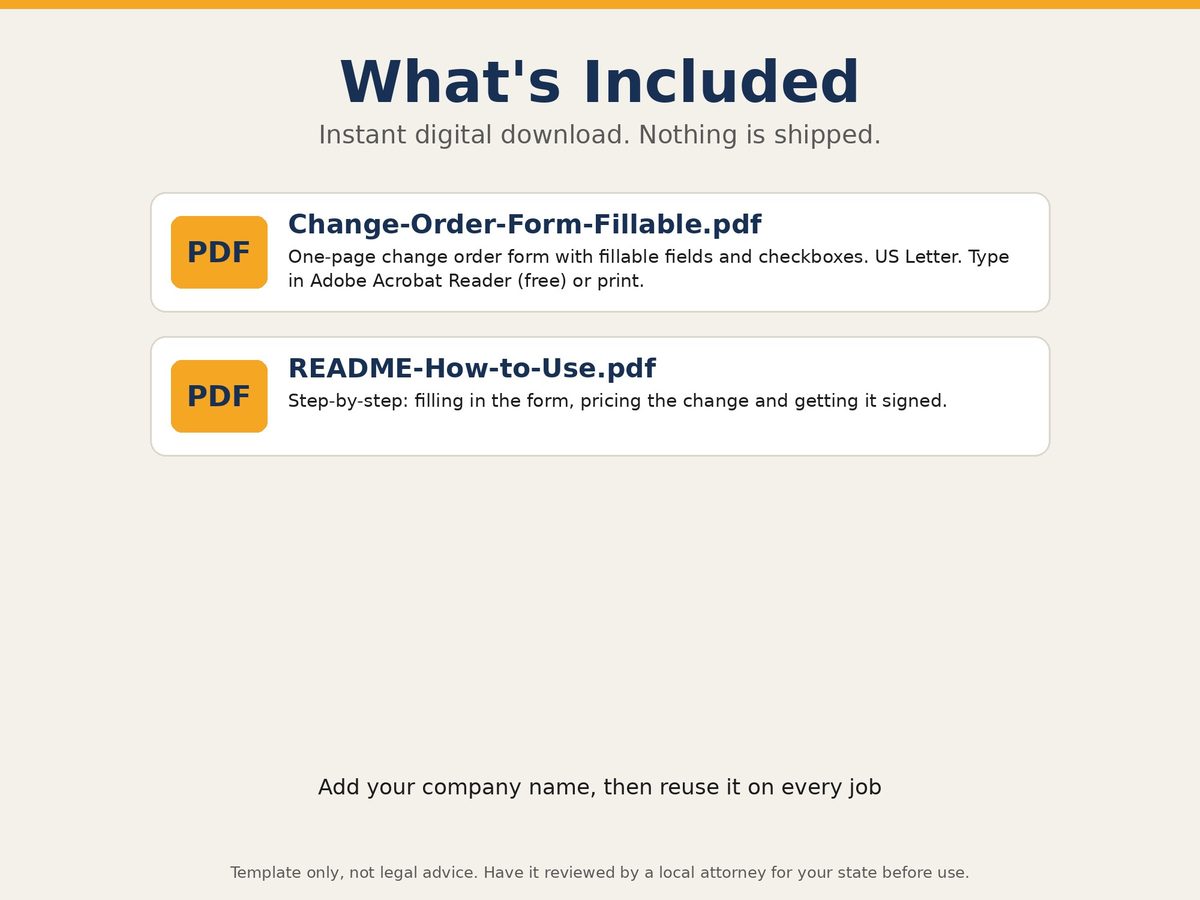
It is a fillable PDF, so you can type into it on a laptop or tablet with the free Adobe Acrobat Reader, or print a stack and fill them in by hand on site. Add your company name once, save a blank master, and reuse it on every job.
What is on the form
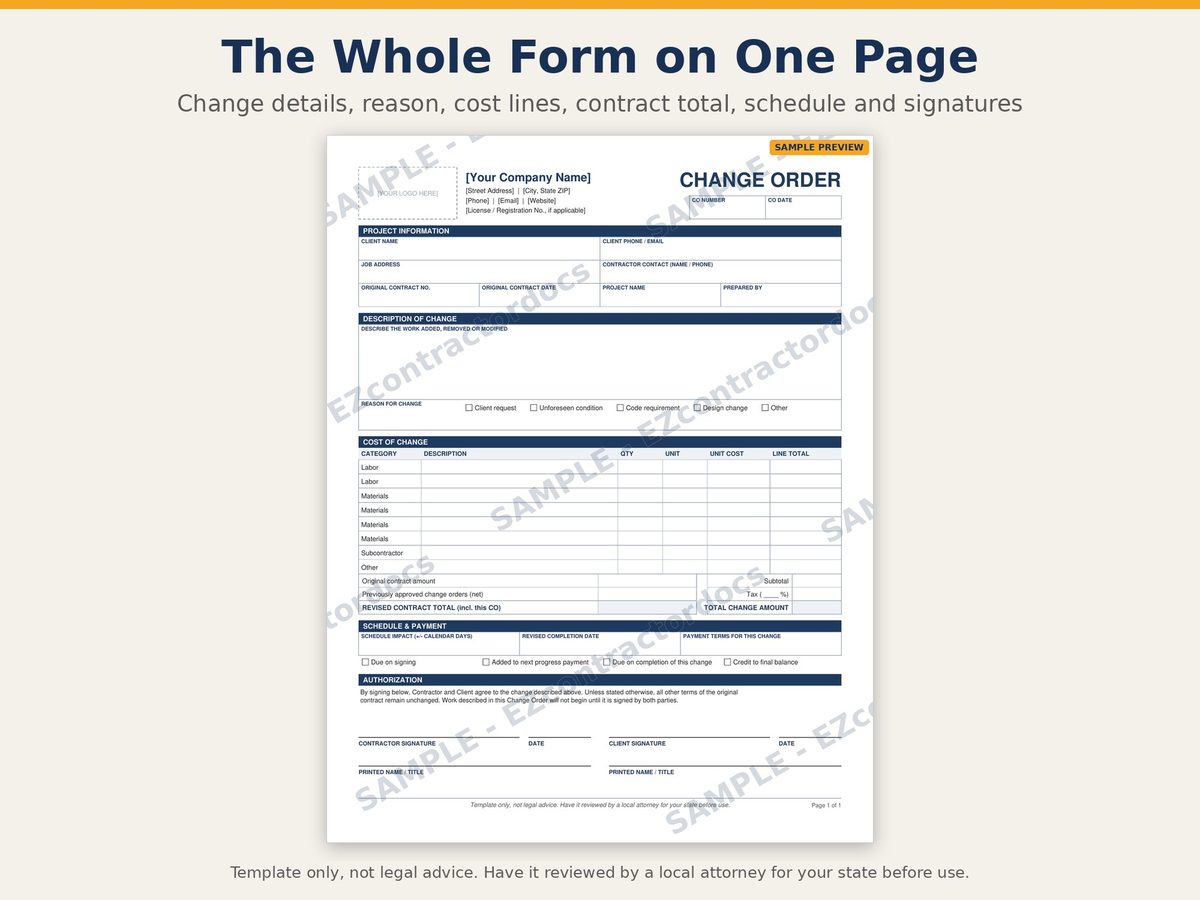
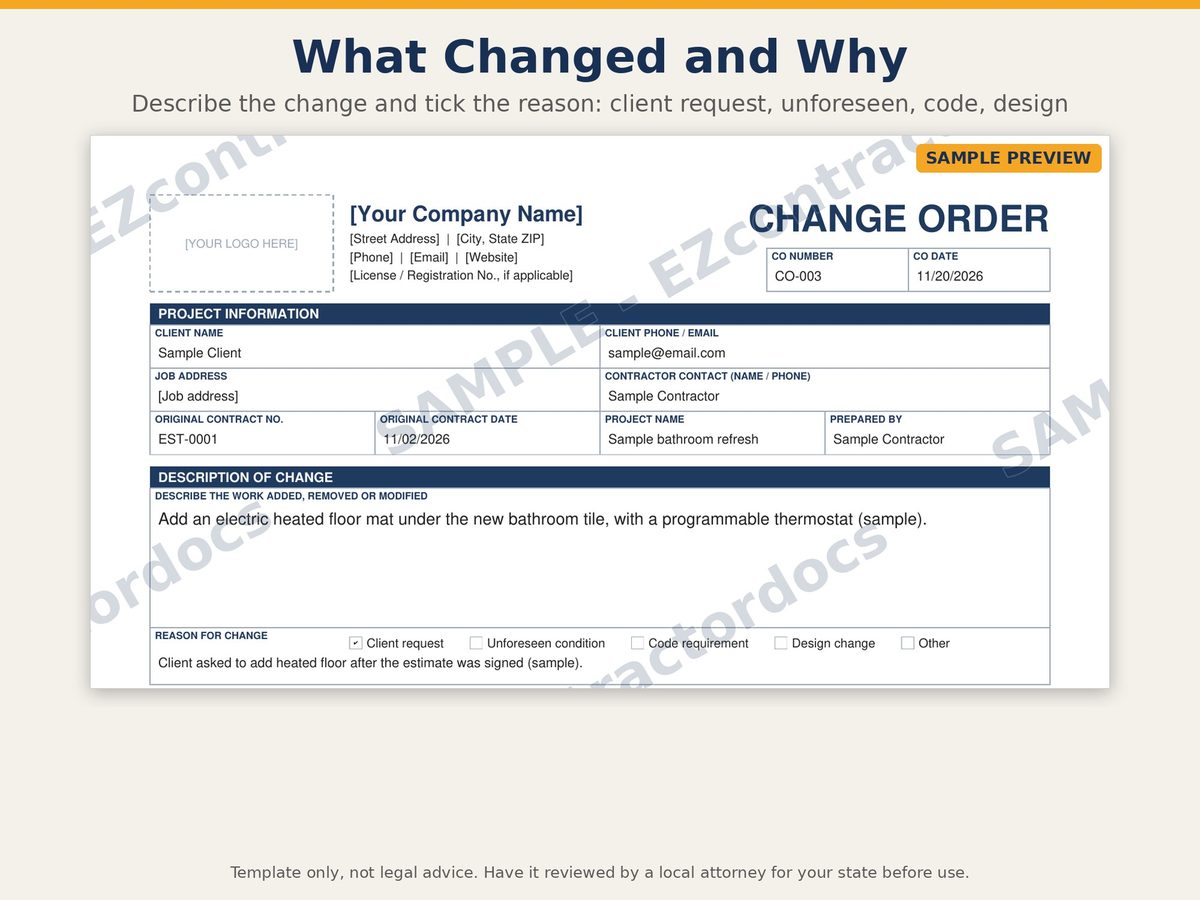
- Project info: client, job address, original contract number and date, change order number and date
- Description of the change and the reason, with check boxes for client request, unforeseen condition, code or inspector requirement, design change and other
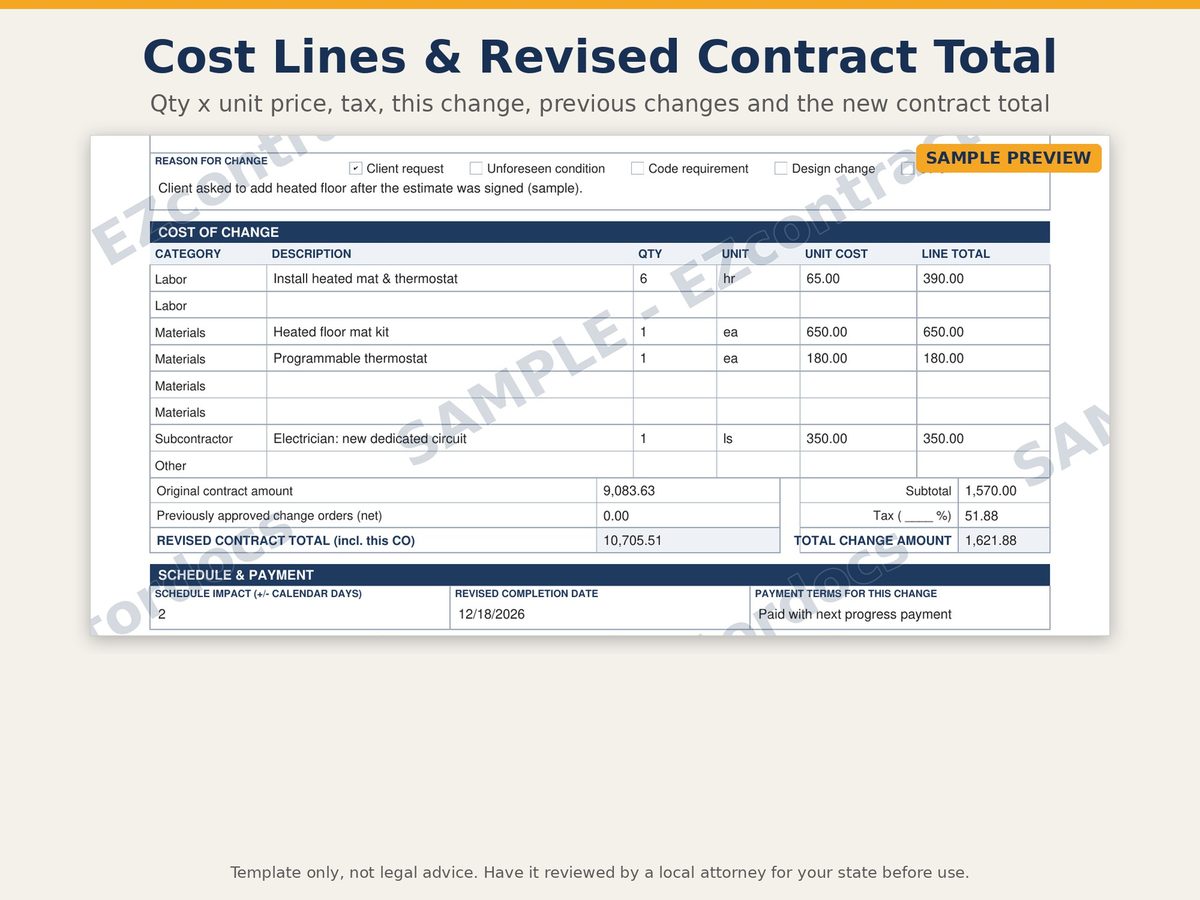
- Cost lines by category (labor, materials, subcontractor, other) with quantity, unit, unit cost and line total, plus subtotal, tax and total for this change
- Original contract amount, previously approved changes and the revised contract total
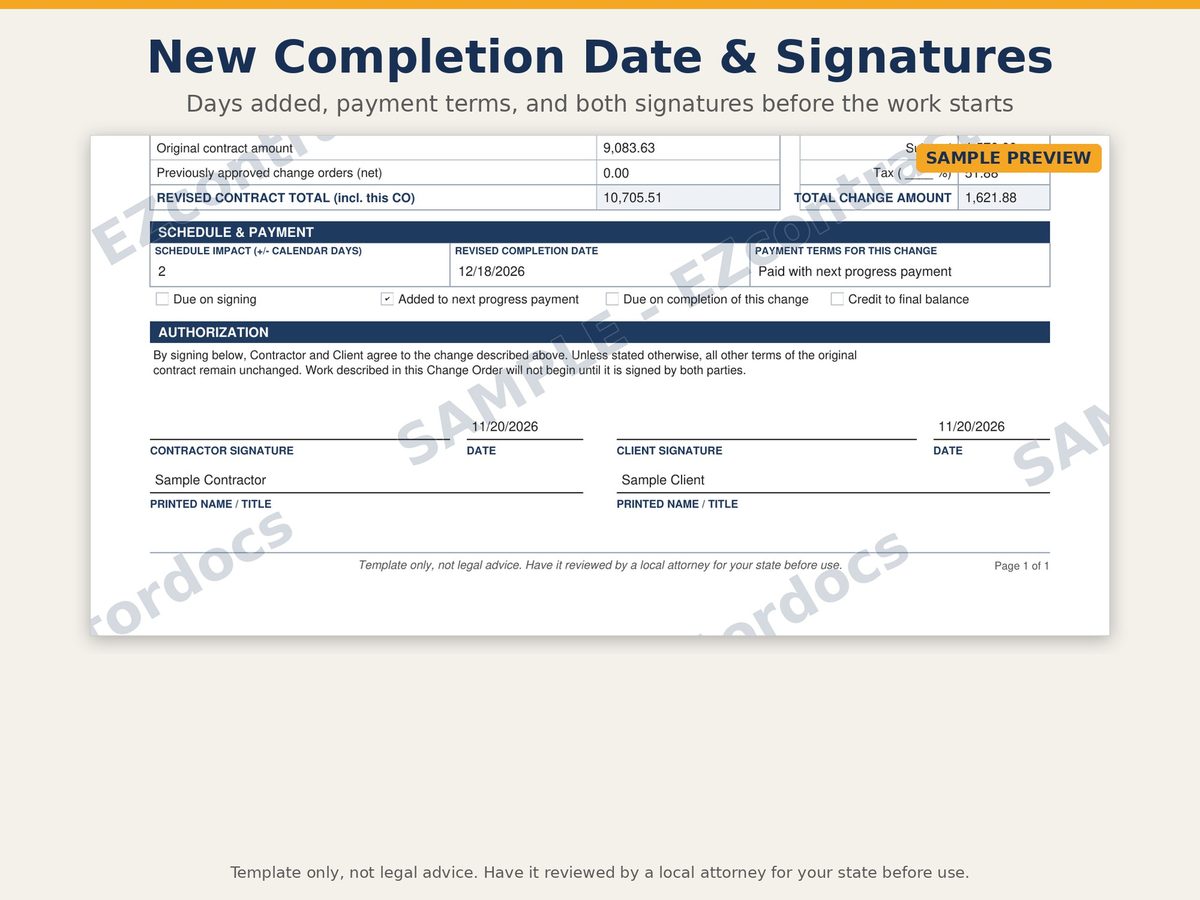
- Schedule impact in days, revised completion date and when the change gets paid
- Signature and date lines for you and your client
How to use it
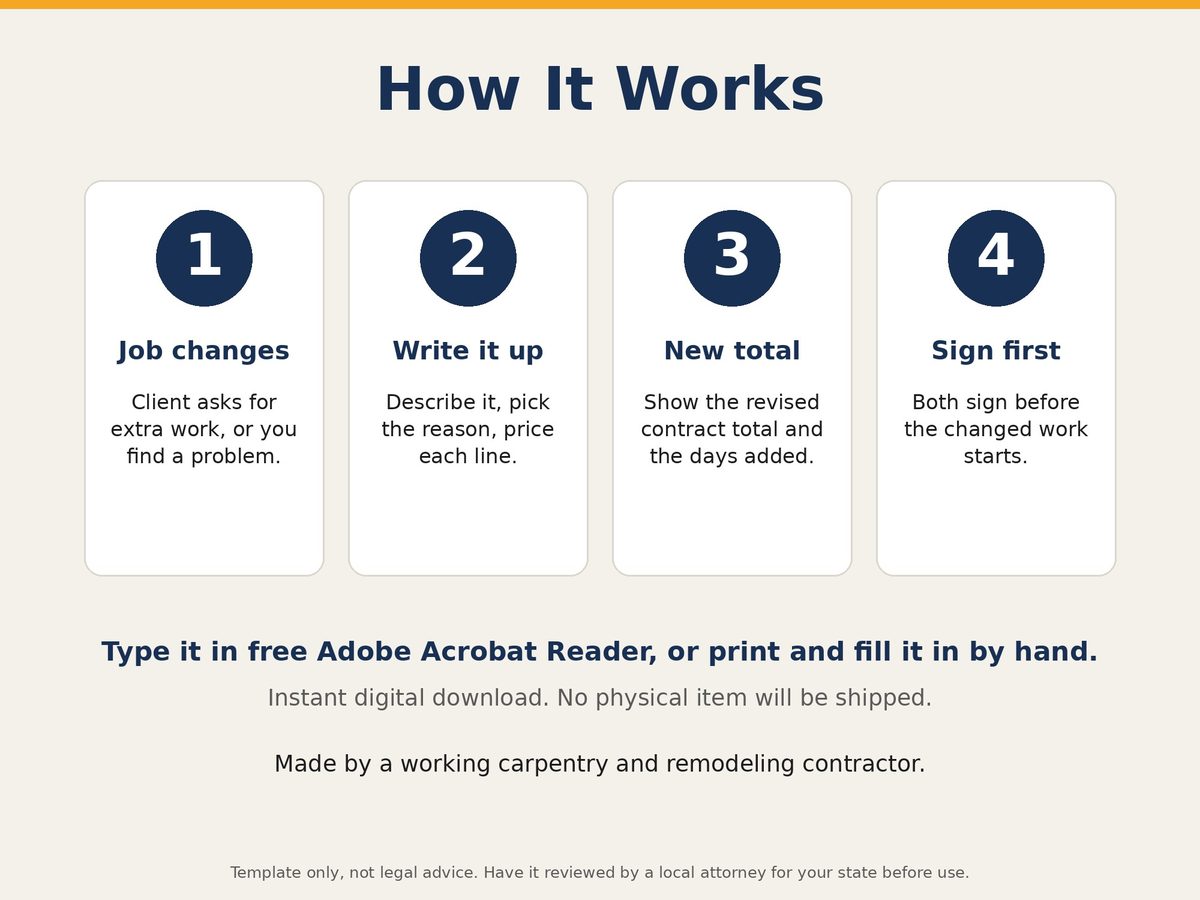
- Open it in Adobe Acrobat Reader and type, or print it.
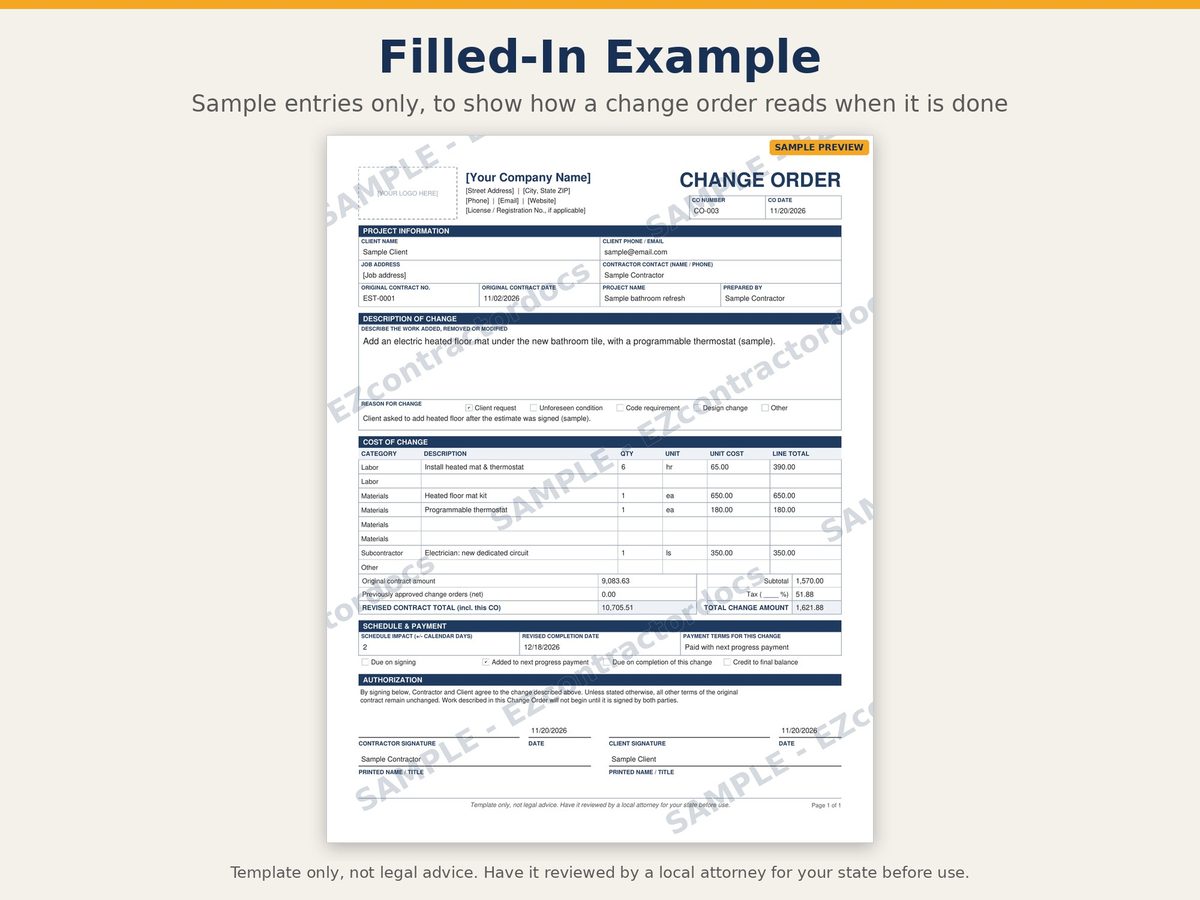
- Describe the change in plain words: location, quantities, materials.
- Fill in the cost lines and the revised contract total.
- Both of you sign before the changed work starts.
Want the totals calculated?
The PDF does not do math, which keeps it simple and printable. If you want the totals worked out for you, the Change Order + Estimate Kit adds a spreadsheet version that adds everything up and carries the contract total forward from change to change.
Questions
What size is it?
US Letter, one page.
Can I add my logo?
Yes. Type your company name into the header field, or add a logo with a PDF editor before you save your master copy.
Is a change order legally binding?
That depends on your contract and your state. This is a template; have your contract and change order process reviewed by a local attorney.
Preview pages
Watermarked sample pages. Your download comes without the watermark. Click to enlarge.
Ready to get it?
Template only, not legal advice. Have it reviewed by a local attorney for your state before use.
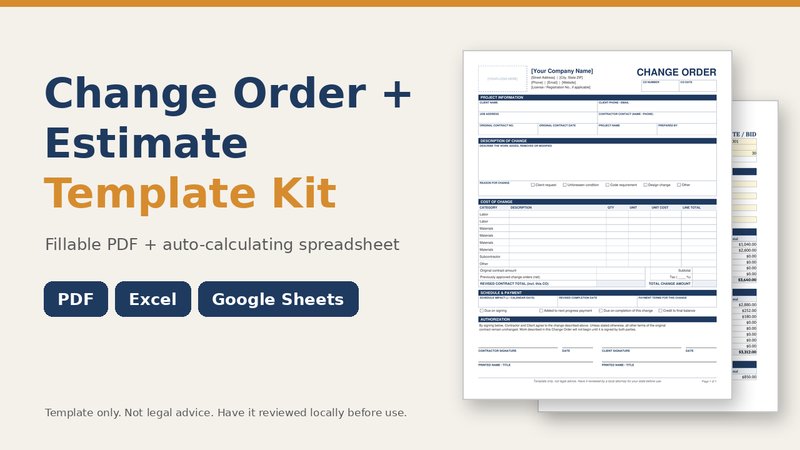 Change Order + Estimate Kit
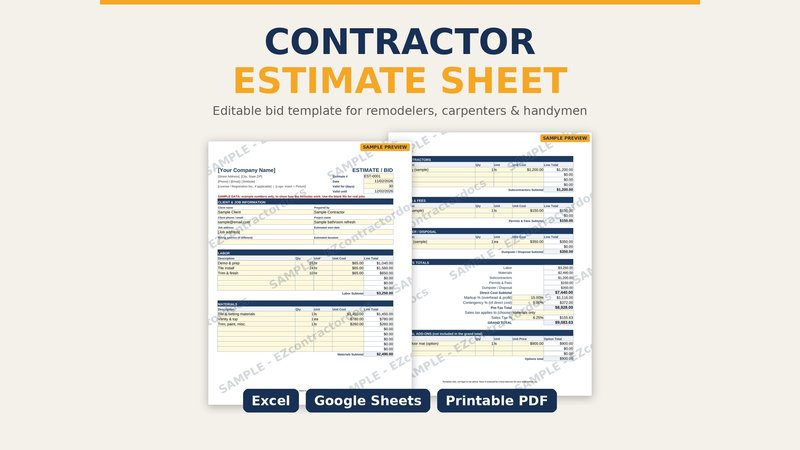 Contractor Estimate Sheet
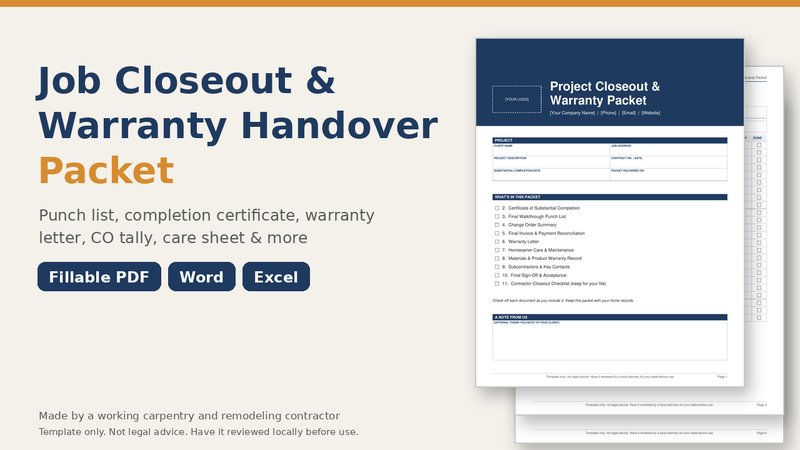 Closeout & Warranty Packet